

0. Parents as enablers of girls’ STE(A)M pathways
This introductory module sets the foundation for the course. It introduces STE(A)M in simple, everyday terms and highlights why it matters for girls’ learning and future opportunities.
View

1. Curiosity, inquiry & critical thinking through STE(A)M
This module introduces parents to curiosity and inquiry as the starting points of learning in STE(A)M. It presents simple ways to support exploration, questioning, and thinking at home, without requiring specialised knowledge. Parents often feel pressure to provide correct answers.
View

2. Creativity, design & problem-solving in STE(A)M
This module invites you to explore science and technology alongside your daughter through creativity and hands-on discovery. It is designed to help you feel confident guiding STE(A)M activities, even if you do not have a scientific background. Through simple, experiential learning moments, you will support your daughter’s curiosity and self-belief. Together, you can help shape a more inclusive and empowering vision of science.
View
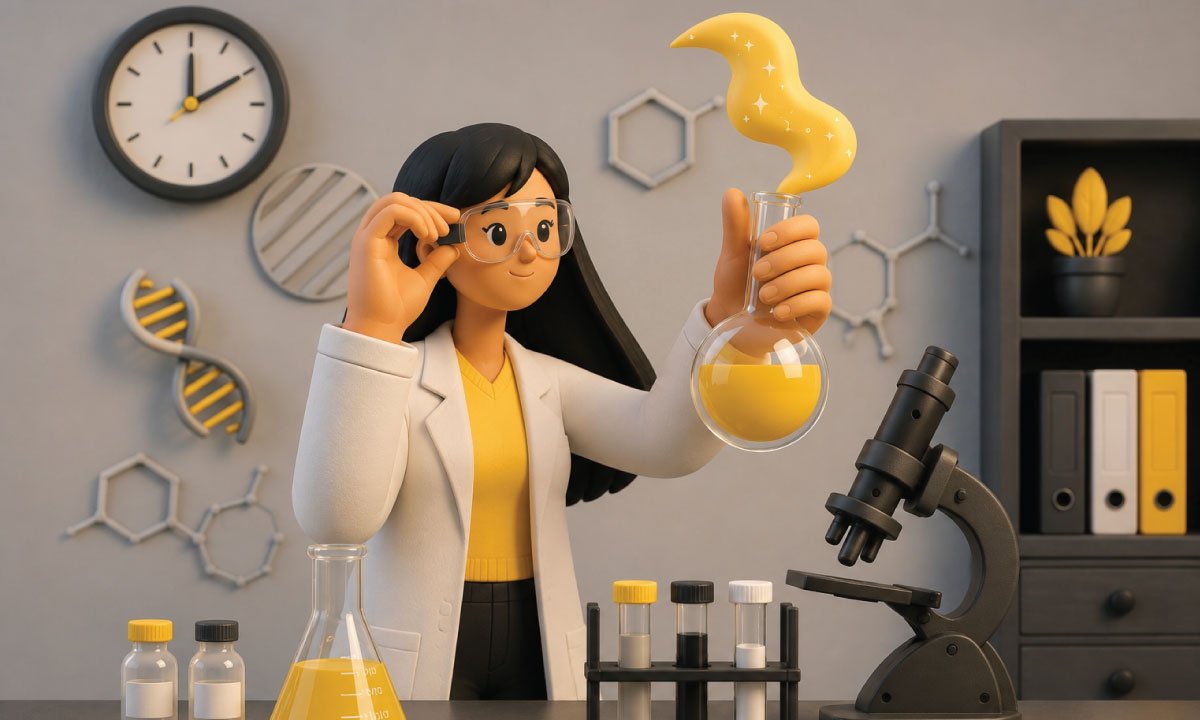
3. Communication, cooperation & tackling stereotypes
This module focuses on strengthening parents’ communication and cooperation practices, while raising awareness about gender stereotypes in STEM. It recognises that parents play a pivotal role, influencing their daughters’ confidence, motivation and persistence in STEM fields, as well as, contributing, even without knowing, to gender stereotypes.
View
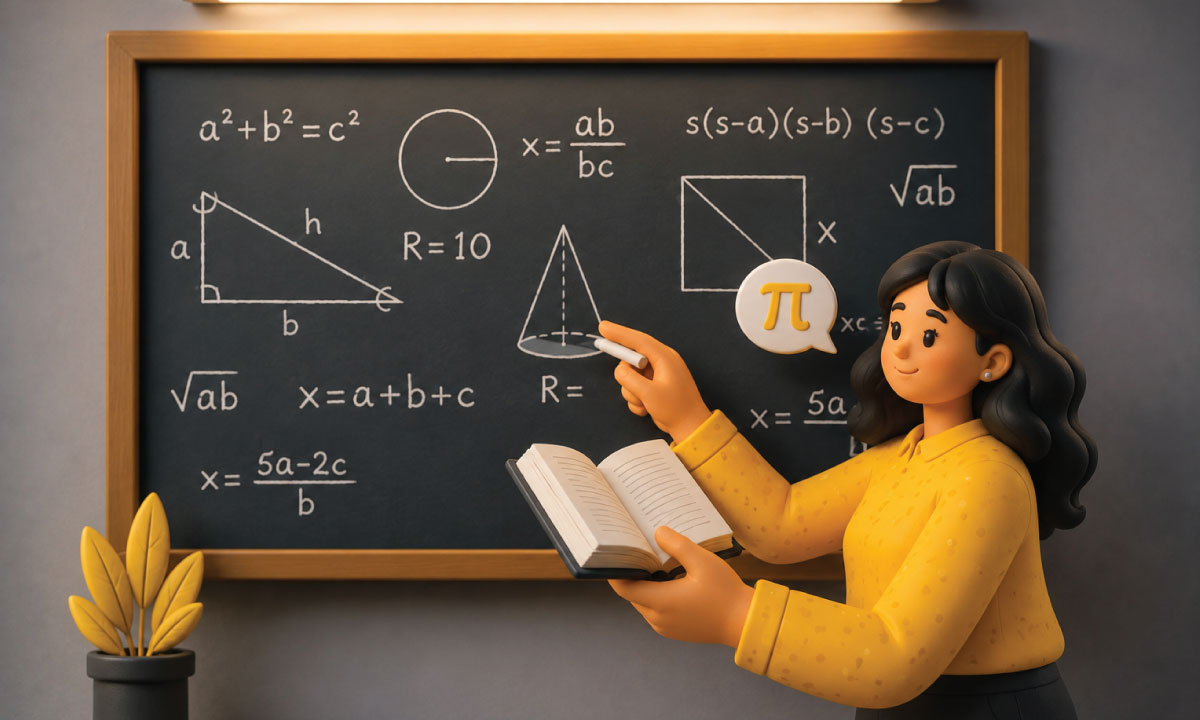
4. Digital & mathematical thinking in everyday life
This module aims to demystify mathematical and digital skills by connecting them to everyday activities that parents and daughters already experience.
View